JDBC in Java
Introduction
JDBC stands for Java DataBase Connectivity
It is based on run time polymorphism
It is standard API for java apps to interact with database and perform operations ; API means pre-defined classes and interfaces in Java
We need to use Driver for connecting JDBC API and the database.
Drivers are database dependent, meaning each database have their own driver and maintained by the database company.
In our case, I am using MYSQL DB, and it’s driver is nothing but a JAR file (mysql-connector.jar)
Important Classes and Interfaces while using MYSQL Database
java.sql.DriverManager
java.sql.Connection
java.sql.Statement
java.sql.PreparedStatement
java.sql.Callable
java.sql.ResultSet
java.sql.SQLException
Connecting MYSQL Database with Java
Here Driver interacts with JDBC API and the Database
I am using IntelliJ IDE here. So to load the Driver in your current directory follow below steps:
File → Project Structure → Modules → Dependencies → + → JARs or directories → select mysql-connector-j-8.x.x.jar → Apply
Steps to connect to mysql database:
Load the Driver:
Class.forName(”com.mysql.jdbc.Driver”)
Create connection
DriverManager.getConnection(”url”,”username”,”pwd”)
Create query, Statement {for Static Queries}, PreparedStatement {for Dynamic Queries}, CallableStatement
createStatement() ,execute(), executeUpdate(), executeQuery(), Resultset
Process the Data
getInt(), getString() —> column no. or column name within the paranthesis
Close the connection
.close()
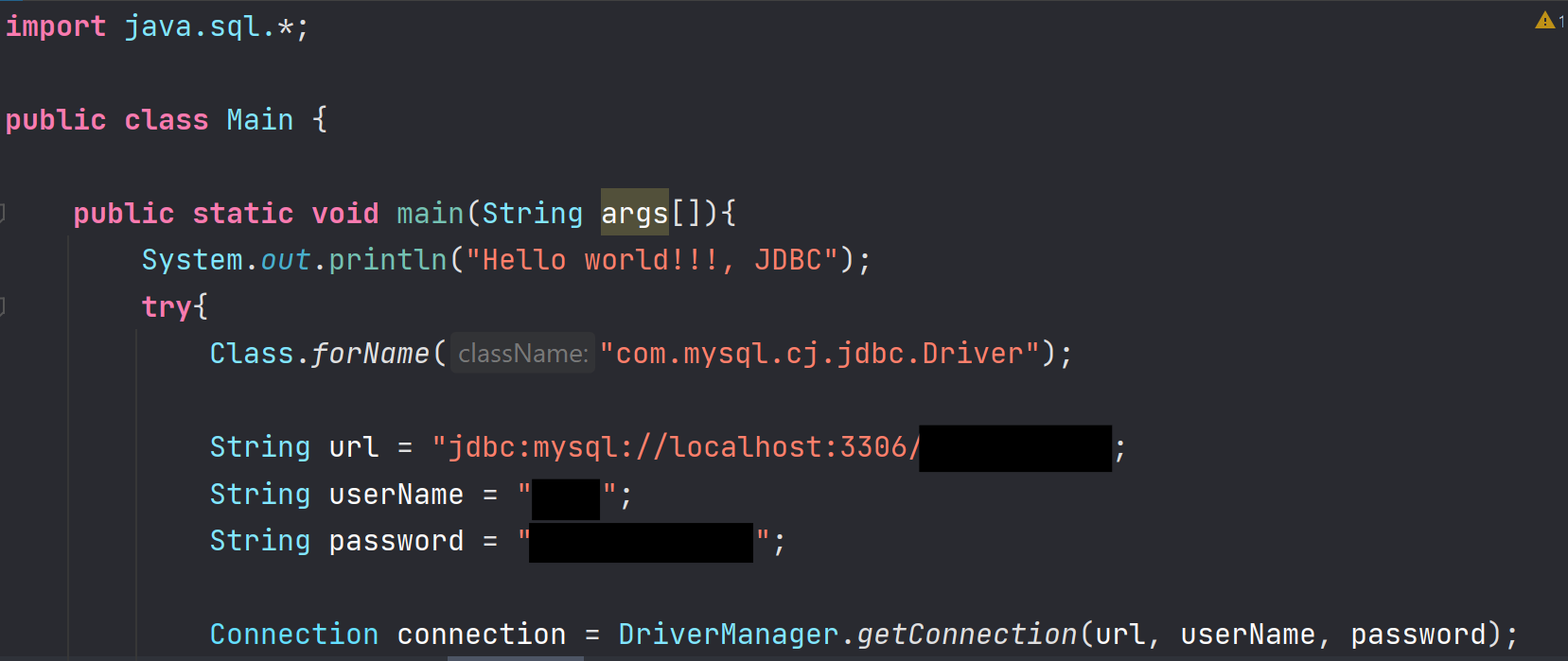
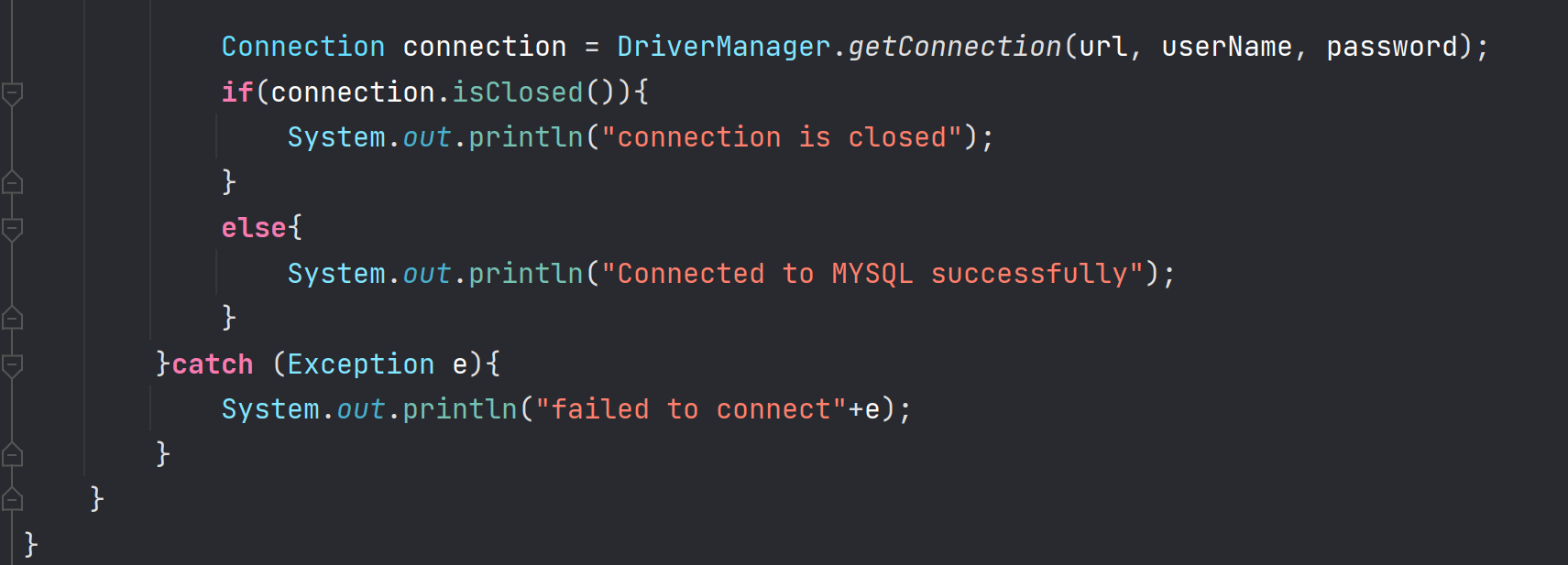
Note: Ensure you have already created the database which you are trying to connect here.